
Integrations
Every tool your team already uses.
Connect customer conversations from email, your website, and Telegram to the tools where your team already works — without another support platform to monitor.
Communication
Connect the channels customers use with the workspaces where your team responds.
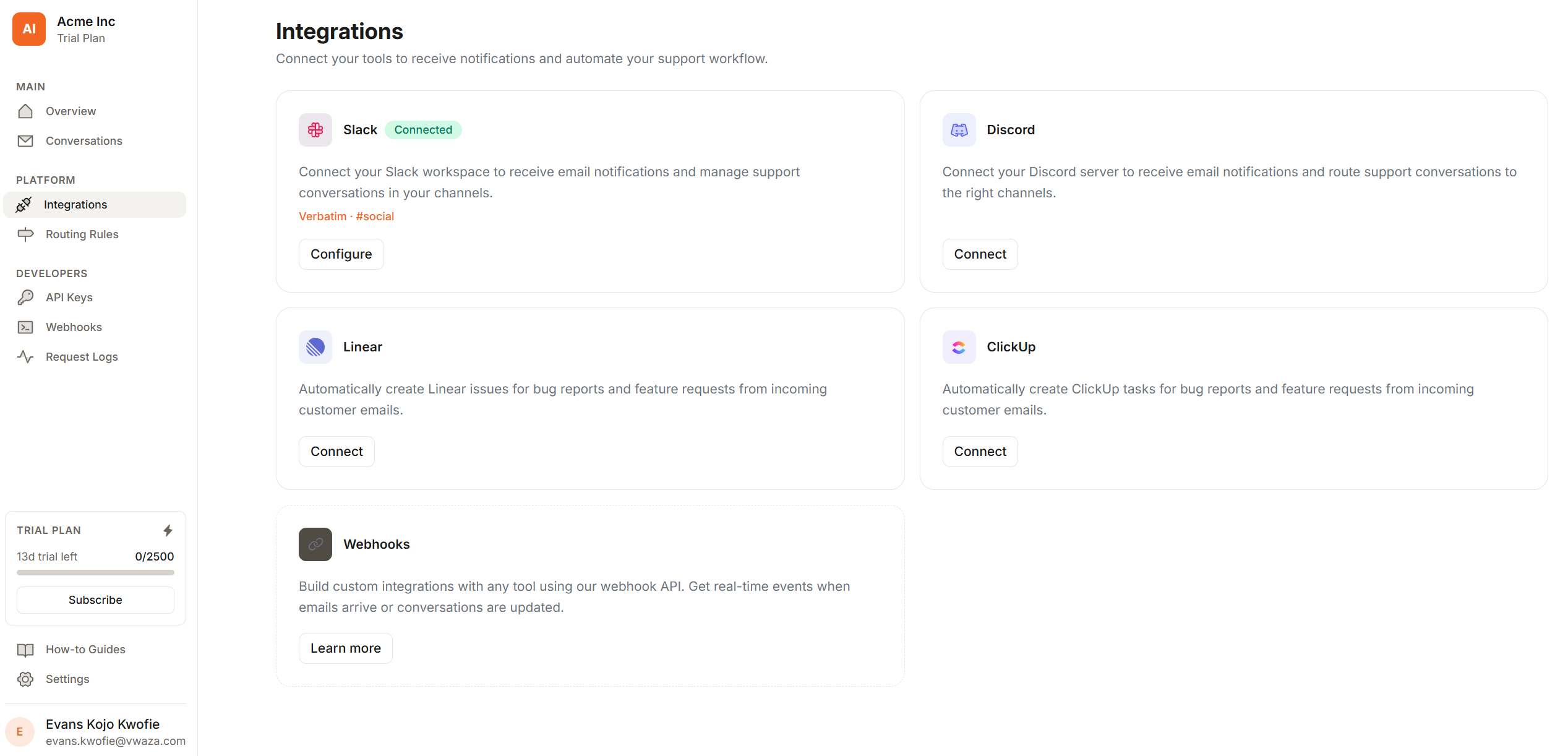
Slack
Route classified emails into any Slack channel. Get @channel pings for urgent emails.
Discord
Post email notifications into Discord channels. Perfect for dev-first teams.
Telegram
Give customers a Telegram support bot powered by your knowledge base, with human handoff when AI needs help.
Project Management
Turn bug reports and feature requests into actionable tickets — automatically.
Linear
Bug reports become Linear issues instantly. Assigned to the right team with AI context.
ClickUp
Create ClickUp tasks from triaged emails, assigned to the right list automatically.
Jira
Automatically file Jira issues for bugs and feature requests with full email context.
GitHub
File GitHub issues from triaged emails, labelled by priority tier and routed to the right repo.
Asana
Create Asana tasks from incoming support emails, with priority set by AI triage.
CRM
Keep your CRM in sync. Every customer email creates or updates the right contact.
Attio
Create and update Attio contacts and notes from every inbound email automatically.
HubSpot
Log emails as HubSpot contacts and tickets. Keep your sales team in the loop.
Salesforce
Create Salesforce cases and leads from inbound emails. Built for enterprise teams.
Feedback
Feature requests go straight to your feedback board — no manual copy-paste.
UserJot
Feature requests create UserJot posts automatically, tagged and categorised.
Canny
Turn feature request emails into Canny posts. Let your users vote on what matters.
Webhooks & API
Don't see your tool?
Build it yourself.
Every email MailBridge processes fires a real-time webhook. Pipe it into any internal tool, data warehouse, or custom workflow — no native integration required. If you're missing something, we'd love to build it next.
{
  "event":     "email.triaged",
  "timestamp":  "2025-03-01T09:14:22Z",
  "data": {
    "id":         "req_01JNQX7M4K...",
    "category":   "bug_report",
    "priority":   "high",
    "subject":    "Dashboard not loading",
    "from":       "[email protected]",
    "summary":    "500 error after login",
    "routed_to":  "#bugs"
  }
}
Ready when you are
Give every customer email an owner, context, and next step.
MailBridge keeps the inbox connected to the work that actually resolves customer problems, so small teams can move with the discipline of much larger support orgs.